

Latest Version
Retro Gameplay
Media
Windows
Free
9nwh4hxvv975
Report a Problem
More About Sound recorder for Windows
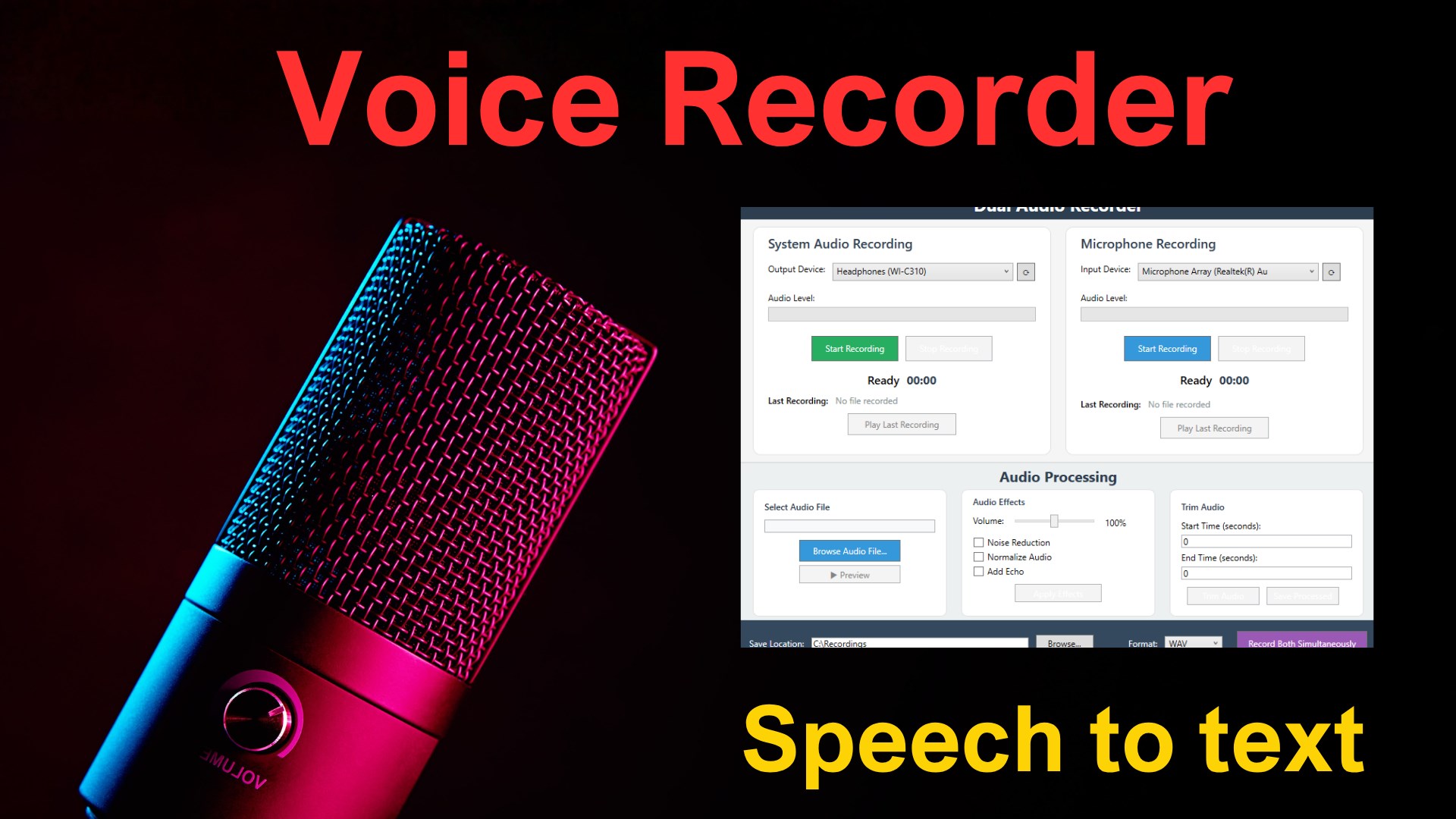
Finding a reliable utility to capture audio on your PC can transform how you archive meetings, lectures, and creative ideas. The Sound recorder for Windows audio capture application by Retro Gameplay offers an elegant, streamlined solution for users who need dependable audio recording capabilities without the bloat of traditional production software.
Why Sound recorder for Windows Audio Capture Stands Out
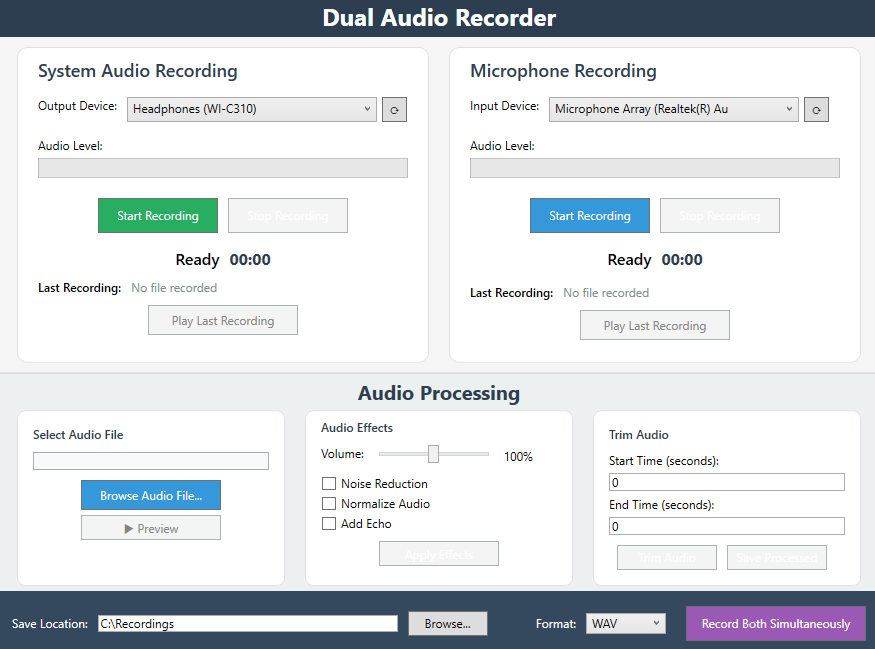
Many desktop tools overwhelm users with complex multi-track timelines and confusing configurations. This application takes the opposite approach, focusing on immediate usability and stellar performance. Whether you are capturing a quick verbal memo or a multi-hour professional interview, the interface remains clean and accessible, ensuring you never miss a critical moment.
Key Features of the Application
- Flexible Output Formats: Save your audio files in popular formats like WAV and MP3, allowing for easy sharing and broad device compatibility.
- Streamlined One-Touch Operation: Initiate a new recording session instantly with a single click, bypassing tedious setup screens.
- Uninterrupted Background Processing: Keep capturing audio seamlessly even when the application is minimized or your Windows device is locked.
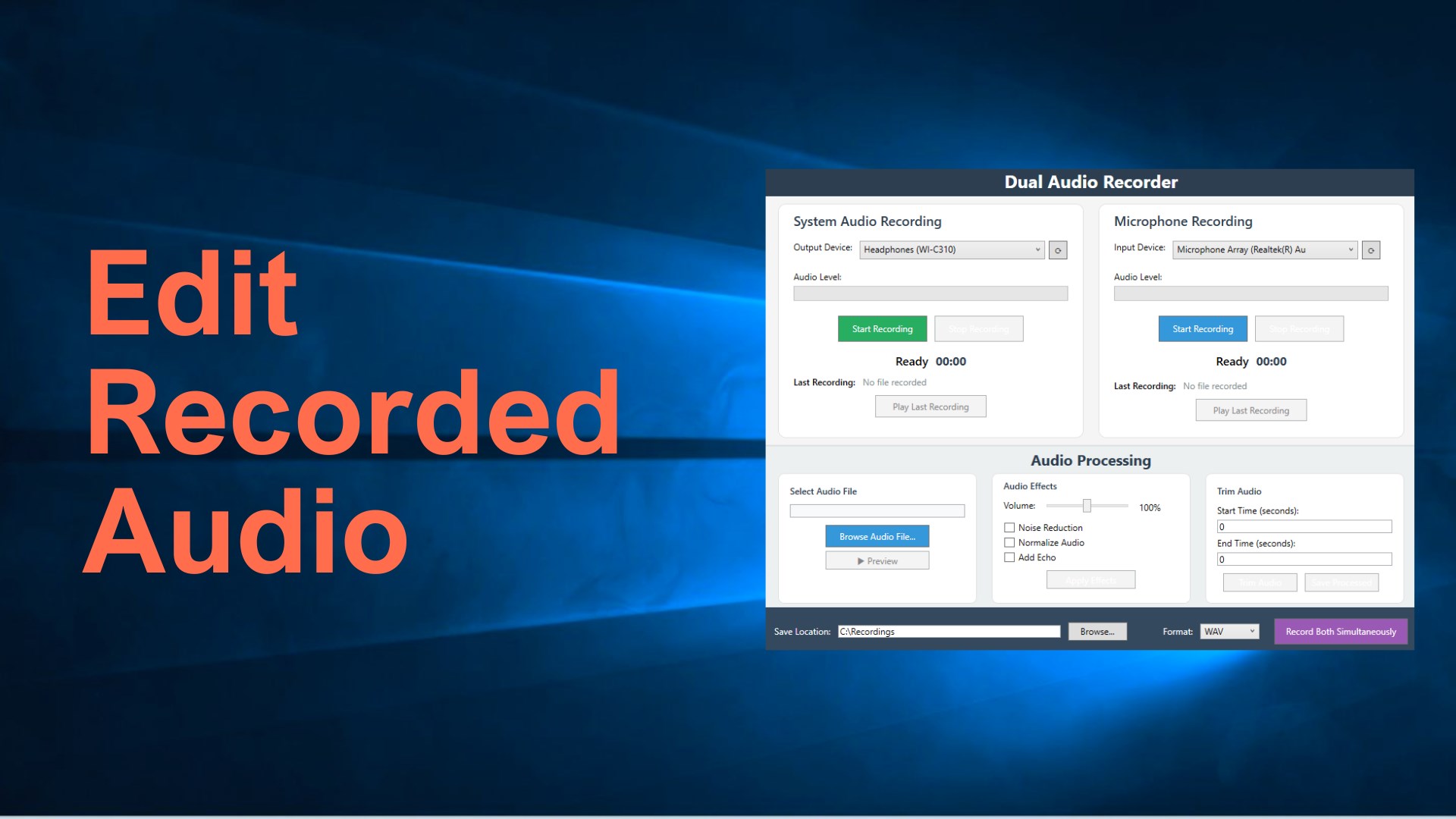
- Built-In Audio Enhancements: Improve the overall clarity of your tracks with integrated noise reduction and volume normalization features.
Who Is This Recording Tool For?
This software is tailored for students, journalists, business professionals, and content creators who require high-fidelity voice capture. Because it handles background recording so efficiently, it is particularly useful for students who want to take notes on their screen while the app records a lecture in the background. Similarly, professionals can run the tool during virtual meetings without cluttering their workspace.
Final Verdict and Where to Find It
The Sound recorder for Windows audio capture utility delivers an outstanding balance of simplicity and powerful audio processing. By eliminating unnecessary complexity, developer Retro Gameplay has created a highly dependable tool for everyday recording needs. To experience this application for yourself, visit the official Microsoft Store page to view more details and add it to your Windows device.
Rate the App
User Reviews




Popular Apps










Editor's Choice