

Latest Version
AnywaySoft, Inc.
Media
Windows
0.99
9n58v22g9xkf
Report a Problem
More About Any Audio Cutter: mp3 cutter & audio trimmer
The Ultimate Solution for Quick Audio Trimming
If you have ever needed to isolate a specific segment of a song or extract a precise sound bite from a longer recording, you know how frustrating complex audio editing software can be. Any Audio Cutter: mp3 cutter & audio trimmer by AnywaySoft, Inc. addresses this exact pain point. Instead of forcing users to navigate overwhelming multi-track timelines, this streamlined Windows application focuses on doing one thing exceptionally well: helping you cut and trim your audio files with absolute precision in seconds.
Key Features of Any Audio Cutter: mp3 cutter & audio trimmer
Despite its lightweight footprint, this utility packs all the essential tools required for clean, hassle-free audio editing. Here is what makes the software stand out:
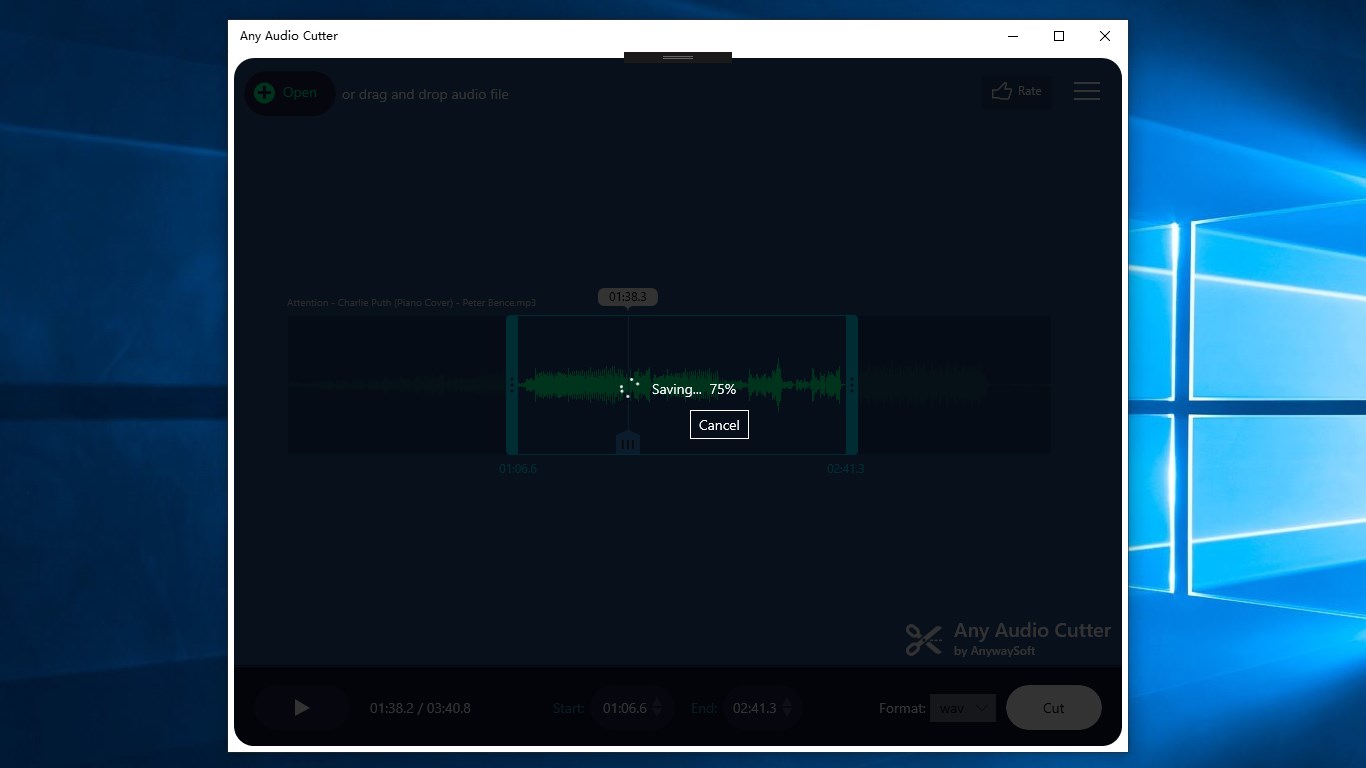
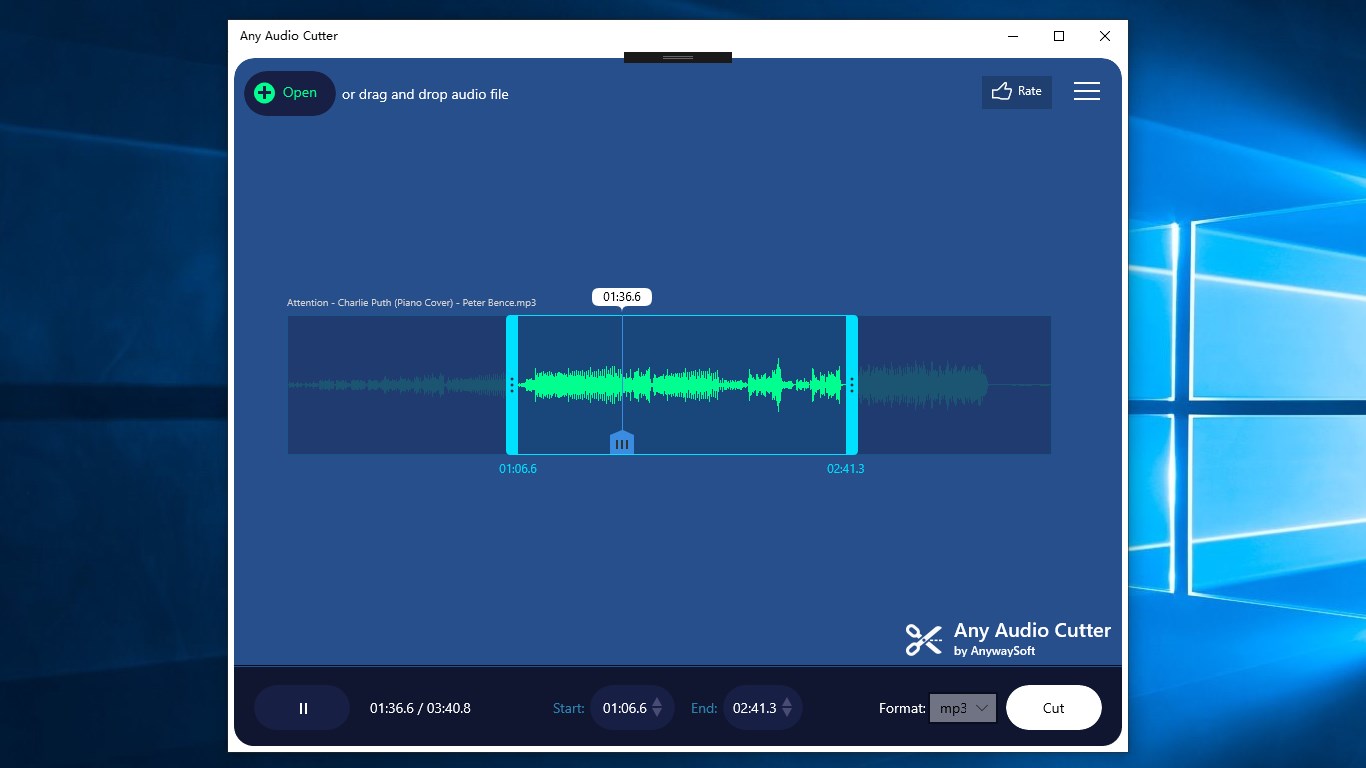
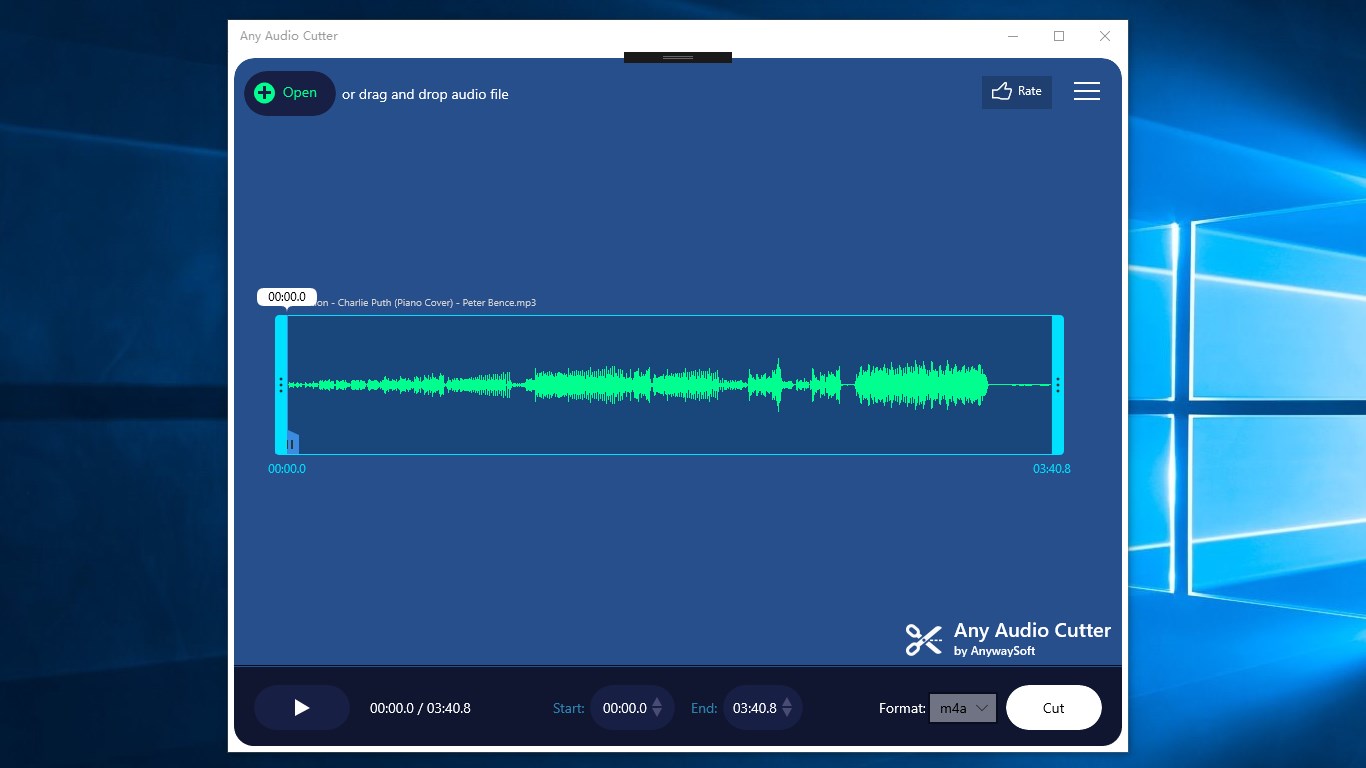
- Visual Waveform Editing: The application displays a clear waveform graph of your input audio file, allowing you to visually identify transitions, beats, or pauses to set your cut points accurately.
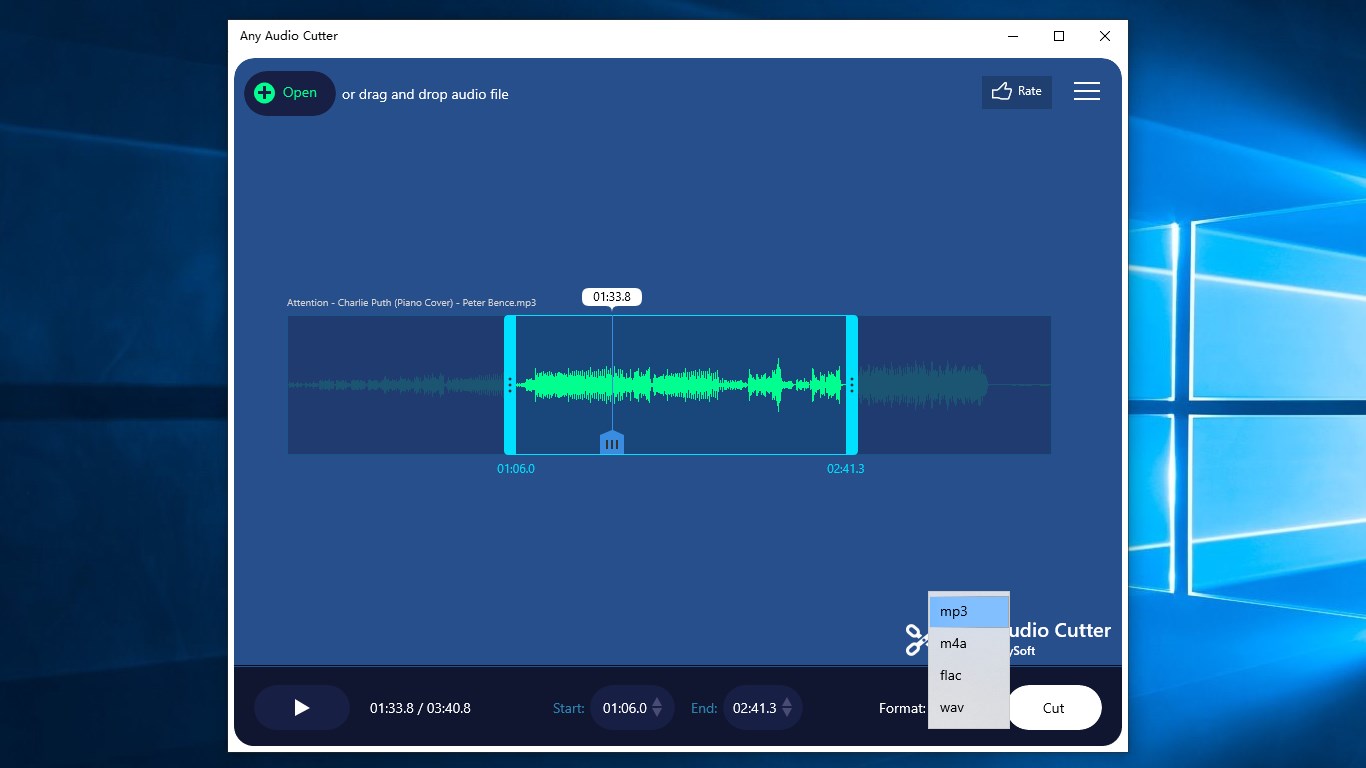
- Broad Format Compatibility: You do not need to worry about pre-converting your media. The app supports virtually all major audio codecs, including MP3, M4A, WAV, FLAC, AAC, and WMA.
- Flexible Export Options: Once your edit is complete, you can save your new file in the most popular output formats, such as MP3, M4A, FLAC, and WAV.
- Instant Audio Preview: To ensure your edit is seamless, you can preview the trimmed audio segment before final extraction, saving you time and storage space.
Who Is This Audio Tool For?
This software is tailored for users who value efficiency. Whether you are a content creator needing to slice clean voiceovers, an office professional prepping audio for a presentation, or someone simply looking to create a custom ringtone, Any Audio Cutter: mp3 cutter & audio trimmer removes the steep learning curve associated with professional digital audio workstations. It is a utility designed to get in, complete the task, and get out without any unnecessary friction.
Our Editorial Verdict
For Windows users seeking a dependable, no-nonsense media utility, this application delivers excellent value. It successfully strips away the bloat of traditional editing suites to provide a fast, visual, and highly reliable trimming experience. If you are ready to streamline your workflow, head over to the official Microsoft Store to view the app page and add this practical utility to your digital toolkit today.
Rate the App
User Reviews




Popular Apps










Editor's Choice